Exporting & Sharing
Everything you import, annotate, and correct in Biowatch can leave it again in standard formats. Exports live in each study's Settings tab.
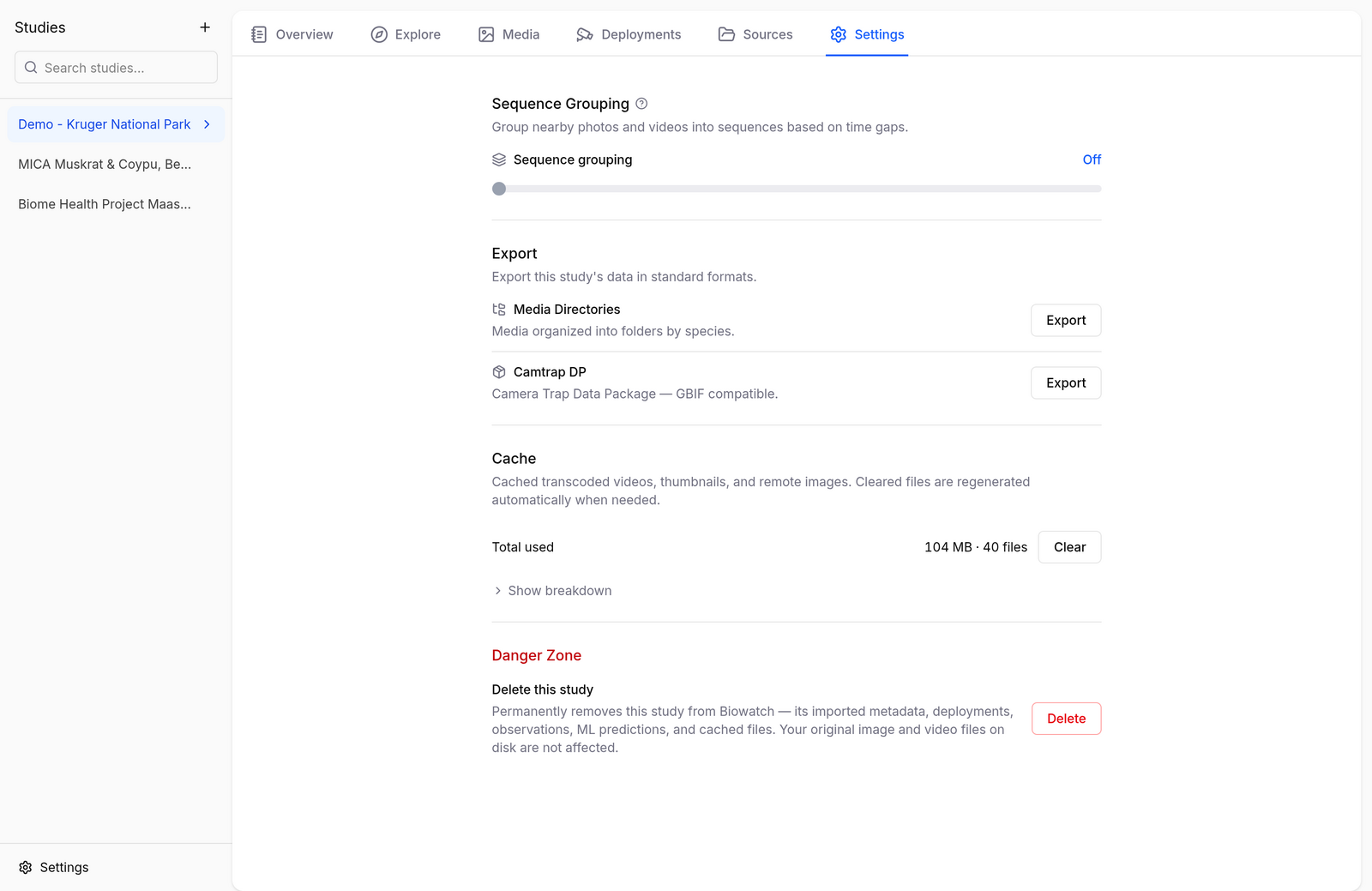
Camtrap DP
Exports the study as a Camera Trap Data Package — datapackage.json, deployments.csv, media.csv, and observations.csv, optionally with the media files themselves. This is the format to use for publishing to GBIF or moving data between camera trap platforms.
The export dialog gives you control over what goes in the package:
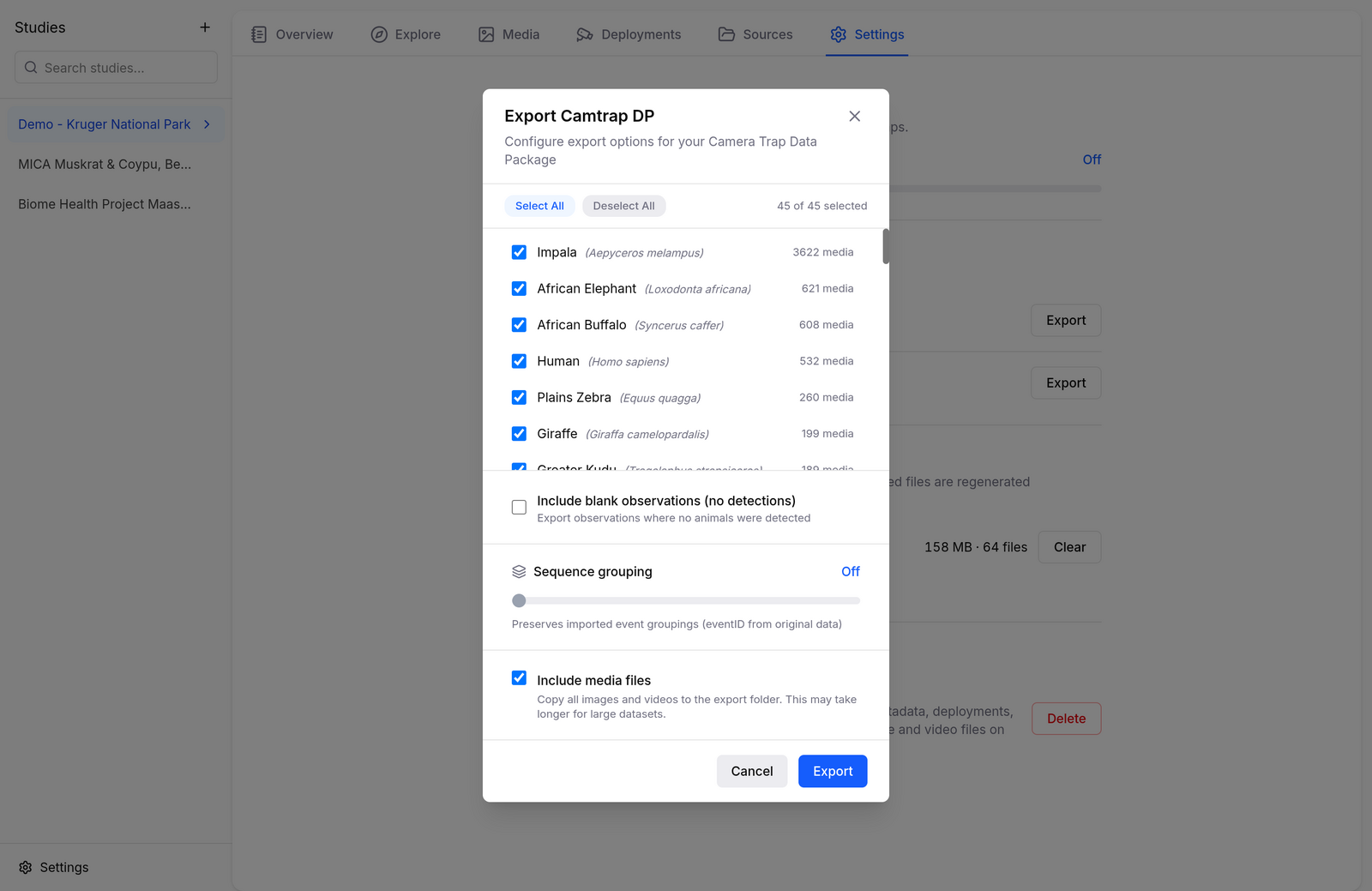
- Species selection — include all species or only the ones you pick.
- Blank observations — optionally include media where nothing was detected.
- Sequence grouping — preserve imported event groupings (
eventID), or group by time gap. - Include media files — copy images and videos into the package, or export metadata only.
Media Directories
Exports your media organized into folders by species — handy for training datasets, sharing highlights, or any workflow that expects one folder per class:
Deployments CSV
From the Deployments tab, Export CSV writes the deployment metadata (IDs, names, coordinates, start/end). Edit it in a spreadsheet and re-import it with Import CSV to fix locations or names in bulk.