Importing Data
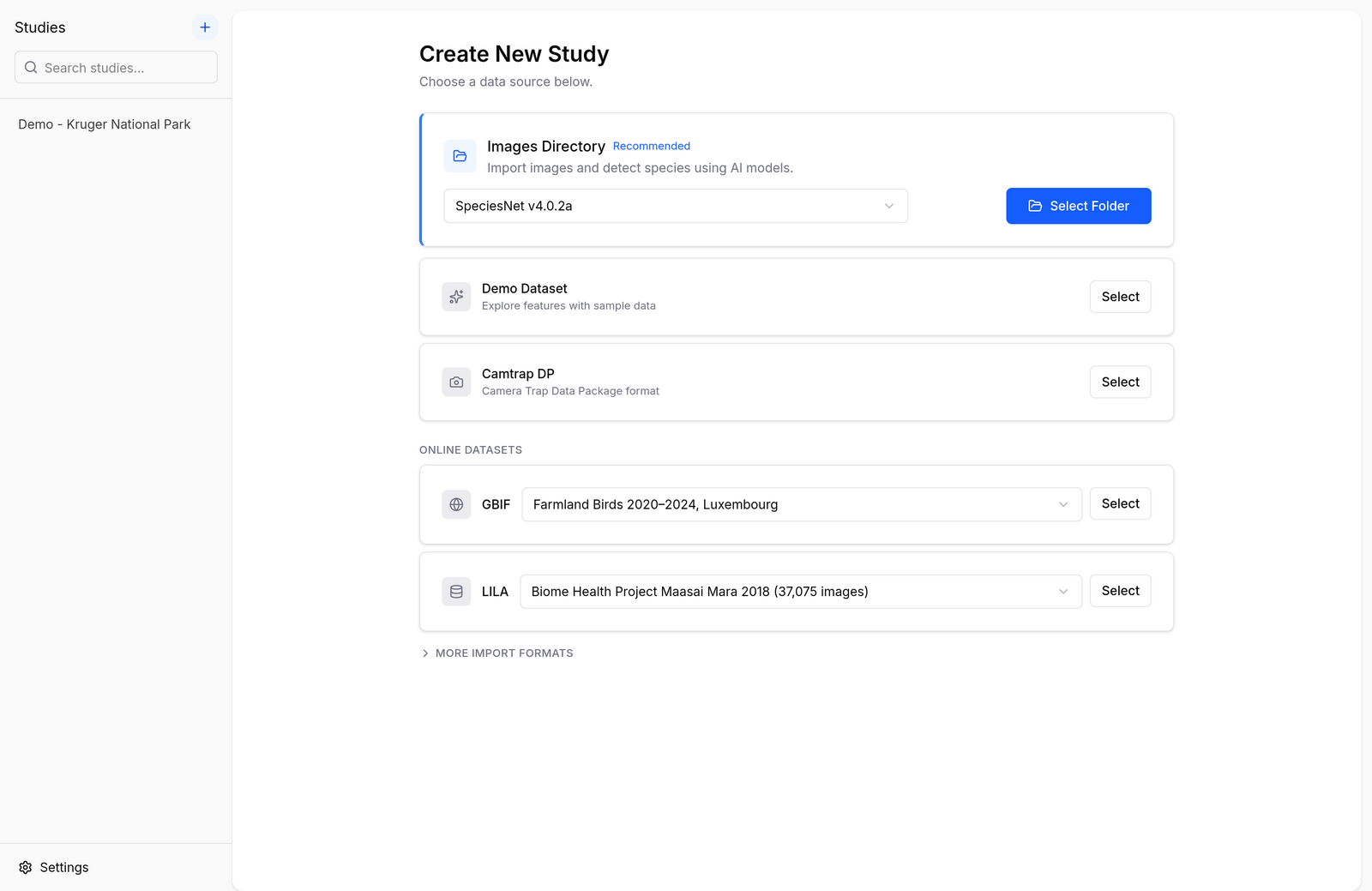
Biowatch can create a study from your own camera trap data or from public datasets fetched straight from the internet. Click the + button at the top of the studies sidebar (or launch the app for the first time) to open the import screen:
Demo Dataset
A one-click sample study based on Snapshot Kruger (Kruger National Park, South Africa) — ideal for trying out every feature before importing your own data. See Getting Started.
Images Directory
Have a folder of raw camera trap images? Biowatch scans it, reads the EXIF timestamps, and runs a local AI model to detect and identify the animals — entirely on your machine.
- Pick a model in the dropdown (SpeciesNet is the default; see Identifying Species with AI for the alternatives).
- Click Select Folder and choose your image directory.
- Review the deployments Biowatch proposes, then start the scan.
The model needs to be downloaded once before first use — Biowatch will prompt you if it isn't yet installed.
Camtrap DP
Import a Camera Trap Data Package — the TDWG standard used by Agouti, GBIF, and a growing list of platforms. Click Select and point Biowatch at the folder (or zip) containing datapackage.json.
GBIF
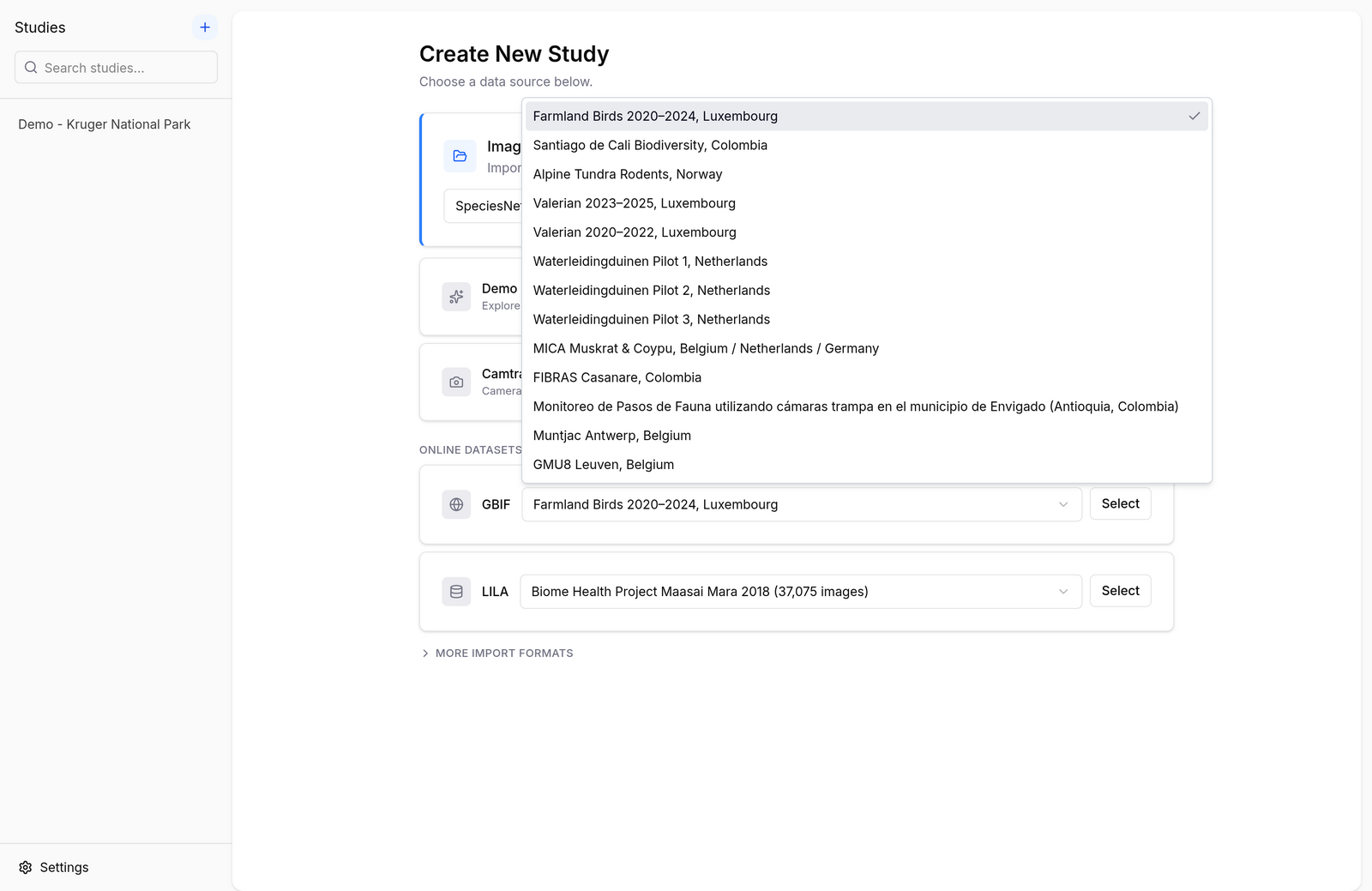
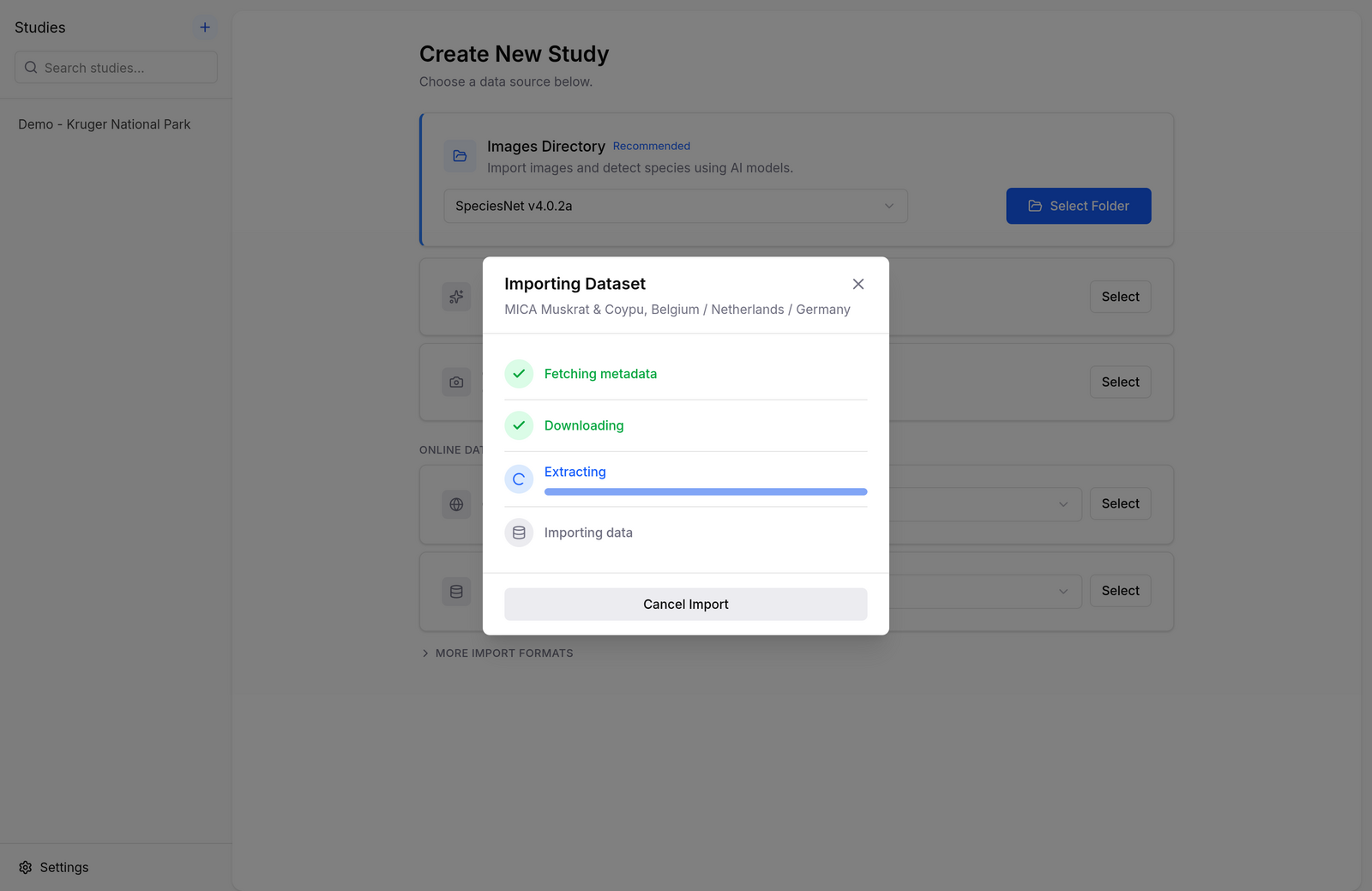
Biowatch ships with a curated catalog of camera trap datasets published on GBIF. Pick one from the dropdown and click Select — Biowatch downloads the Camera Trap Data Package, extracts it, and builds the study automatically.
LILA
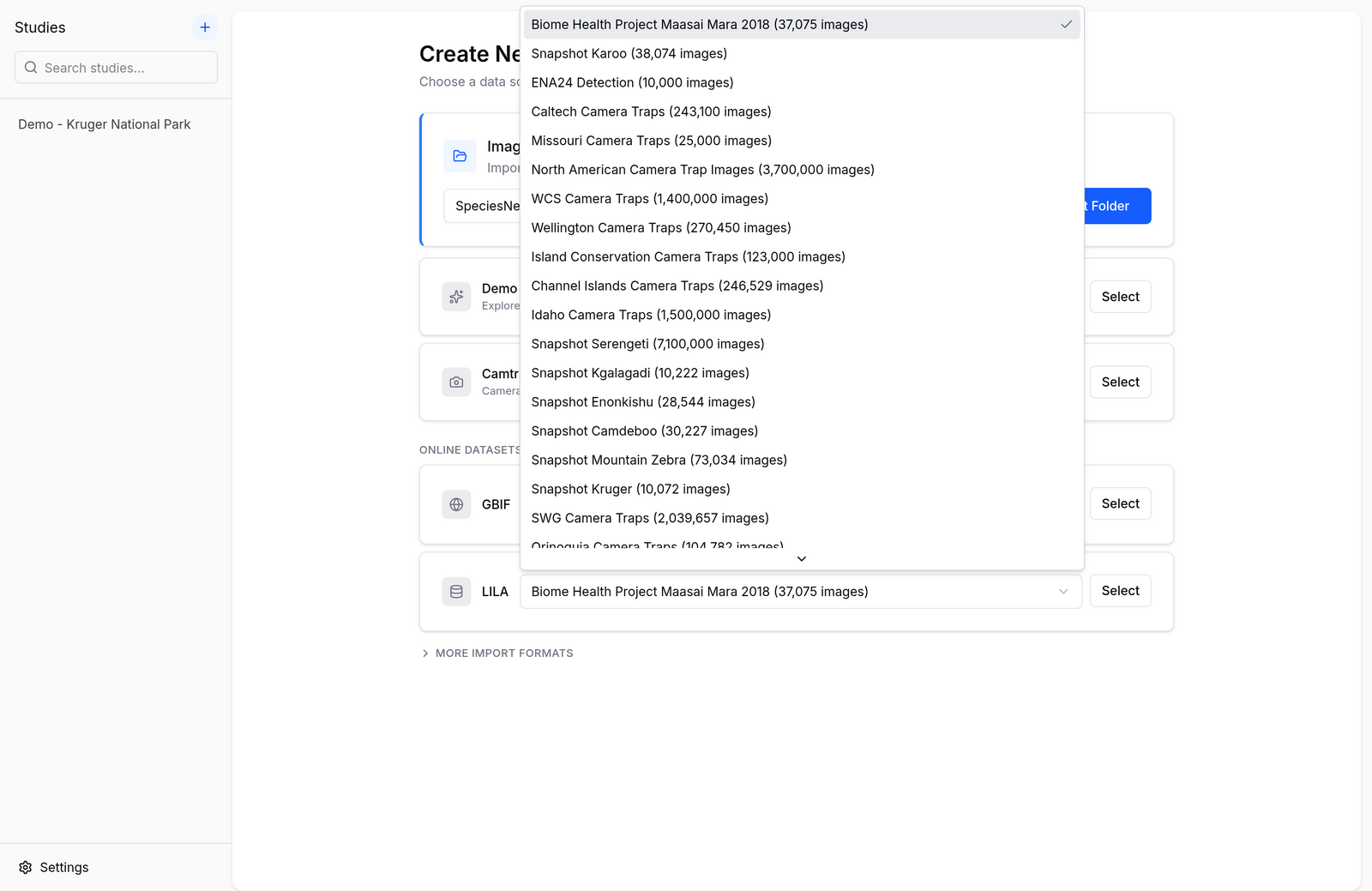
LILA BC (Labeled Information Library of Alexandria: Biology and Conservation) hosts some of the largest public camera trap datasets in the world — from Snapshot Serengeti to Wellington Camera Traps. Pick a dataset from the dropdown and Biowatch imports its labels and metadata; images stay on LILA's servers and are streamed in as you browse.
More Import Formats
Under More import formats you'll find:
- Wildlife Insights — import a project export (zip) from Wildlife Insights.
- Deepfaune CSV — import the CSV results produced by the DeepFaune desktop application.
Merging Studies
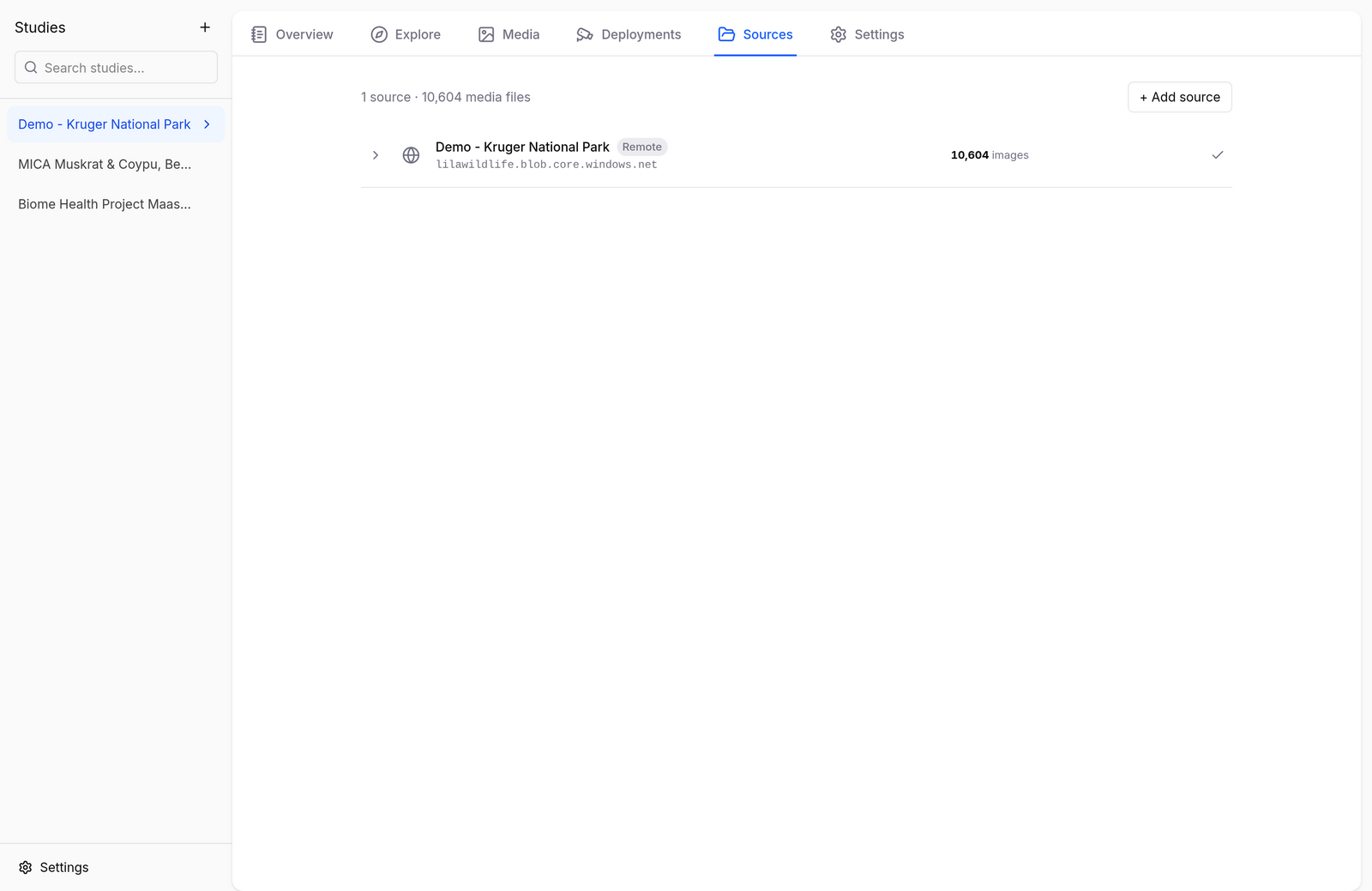
An existing study can also absorb data from another study. Open the study's Sources tab, click + Add source, and choose Another study to merge data from a study already in Biowatch, or Images directory to scan an additional folder with an AI model.
For the technical details of each format, see the Supported Formats reference.