Working with Videos
Camera traps increasingly record clips instead of (or alongside) stills, and Biowatch treats videos as first-class media: they're imported, filtered, annotated, and exported just like images. The examples below use the Seattle(ish) Camera Traps dataset from the LILA catalog, which mixes ~20,000 images with ~4,500 videos from a single backyard in Seattle.
Finding Videos
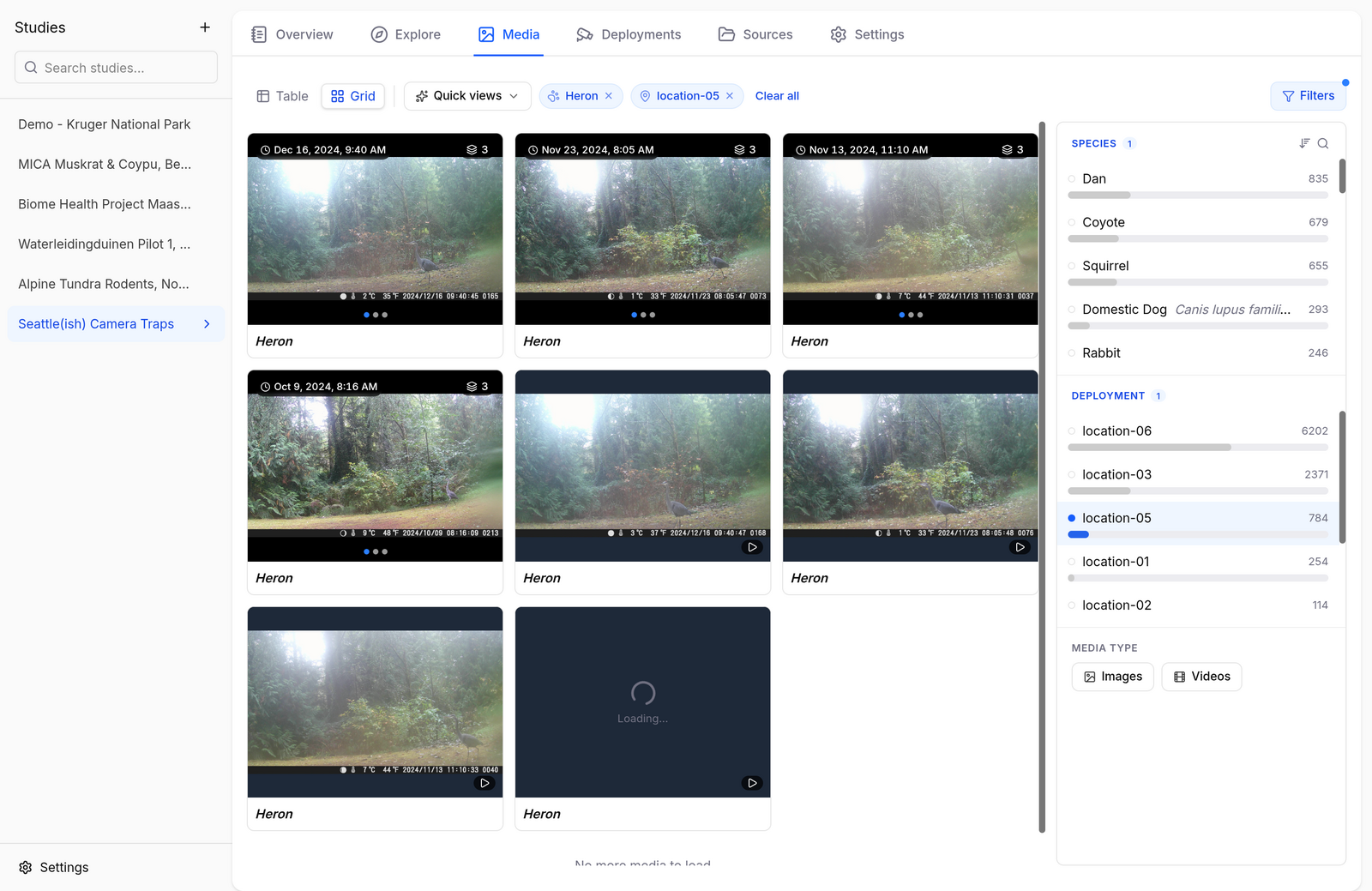
In the Media tab, the Media type section of the filter rail has Images and Videos chips. Combine them with any other filter — here, videos of herons only:
Playing and Annotating
Click a video to open it in the gallery viewer with a full player — play/pause, seek, volume, and fullscreen:
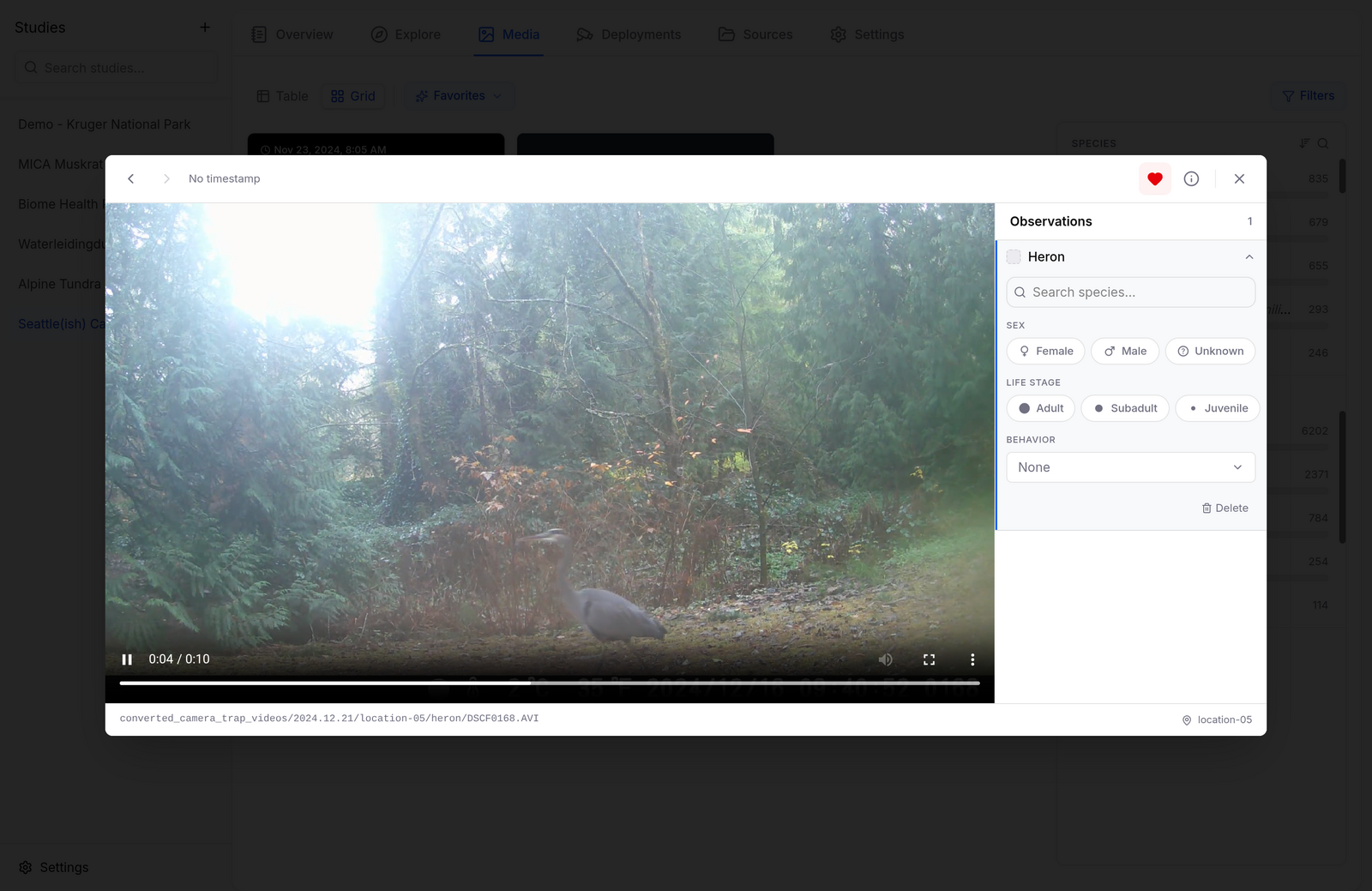
The observations panel on the right works the same as for images — change the species, set sex, life stage, and behavior, or delete a false detection (see Annotating Images). Bounding boxes are not drawn on videos.
Transcoding
Camera traps often record in formats browsers can't play (AVI, MJPEG). Biowatch transcodes these on demand and caches the result — the first playback of a clip can take a few seconds, and the converted copy lands in the study's cache (study Settings → Cache).
Videos in Sequences and Exports
- With sequence grouping on, videos join sequences alongside stills from the same camera and time window.
- CamtrapDP exports include videos in
media.csv(and the files themselves with Include media files checked); media-directory exports copy them into the species folders like any other capture.